Posting live, every day, from your phone between jobs is how most small business social media falls apart. Scheduling fixes that: you plan and write in one go, and the posts go out on time while you get on with your work.
This guide covers why scheduling works, the tools that do it, how to set up a simple routine and the mistakes to avoid.
One hour a week instead of ten minutes a day
Batching your posts into one session a week, or one a month, is quicker, less stressful and leads to better posts than writing them on the spot.
Scheduled posts reach just as many people as posts published live.
Seven benefits of scheduling your posts
It's not just about saving time.
Saves time
Writing a week of posts in one sitting is far quicker than doing them one by one.
Keeps you consistent
Posts go out even when you're busy, ill or on holiday.
Better posts
You think more clearly when you're not rushing between jobs.
Post at the best times
Reach people in the evening or at weekends without being on your phone.
Plan around key dates
Never miss an awareness day, a season or a launch.
Fewer distractions
No more opening the app to post and losing half an hour scrolling.
See the bigger picture
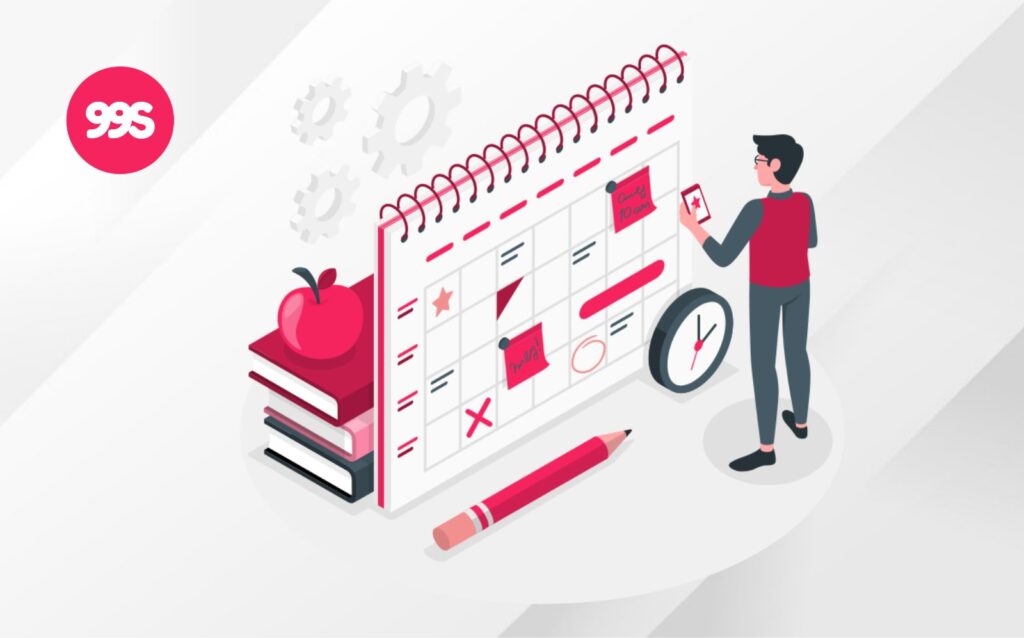
A calendar view shows if you're posting too much of one type of content.
Free and low-cost scheduling tools
You don't need anything expensive to start.
Meta Business Suite
Free scheduling for Facebook and Instagram posts and Reels.
Built-in scheduling for company pages and personal profiles.
TikTok
Schedule videos from the desktop version of TikTok.
Google Business Profile
Use a third-party tool, or post directly each week.
Buffer
A simple tool with a free plan covering several platforms.
Other tools
Tools like Later, Hootsuite and Sprout Social suit bigger teams with bigger budgets.
A simple weekly routine
Here's a routine that takes about an hour a week.
Check your calendar and decide on three to five post ideas.
Take or choose photos, write captions and add hashtags.
Load everything into your tool at the best times.
Spend ten minutes replying to comments and messages.
Check what worked and plan more of it.
Scheduling dos and don'ts
Do
- Schedule at least a week ahead
- Leave space for timely and spontaneous posts
- Check scheduled posts before big news events
- Reply to comments live, even on scheduled posts
- Review your results every month
- Keep a bank of evergreen posts for quiet weeks
Don't
- Schedule and forget, without checking replies
- Post identical captions on every platform
- Schedule months ahead without checking prices and dates
- Leave posts running during a crisis or a sensitive news day
- Schedule Reels without checking how they look
- Forget to update old scheduled offers
We schedule everything for you
Every month we plan, write and design your posts, then load them into a scheduler a week before they go live so you can review and approve them.
See the platforms we manage and our plans from £99 a month.
Scheduling FAQs
Does scheduling posts hurt your reach?
No. Meta Business Suite, LinkedIn and other platforms treat scheduled posts the same as posts you publish manually. What matters is the quality of the post and how people respond.
What is the best free tool for scheduling social media posts?
Meta Business Suite is free for Facebook and Instagram. LinkedIn, TikTok and YouTube have built-in scheduling, and tools like Buffer have free plans that cover several platforms.
How far ahead should I schedule social media posts?
A week to a month ahead works well for most businesses. Leave room for timely posts and news that comes up.
Can I schedule Instagram Stories and Reels?
Reels can be scheduled in Meta Business Suite and most third-party tools. Story scheduling depends on the tool, so check before you plan around it.
Can someone schedule my social media for me?
Yes. We write, design and schedule your posts, and you approve them before they go live. See the platforms we manage.