Airbnb's own listing only goes so far. Your own social media builds a following of past and future guests, helps you win direct bookings without platform fees and shows off what makes your place special.
Here are 25 social media post ideas for Airbnb hosts, short-let owners and serviced apartments, grouped by what they do for your business, plus a simple weekly plan, ready-made captions, hashtags and the mistakes to avoid.
You might also like our guides to post ideas for campsites and post ideas for landlords.
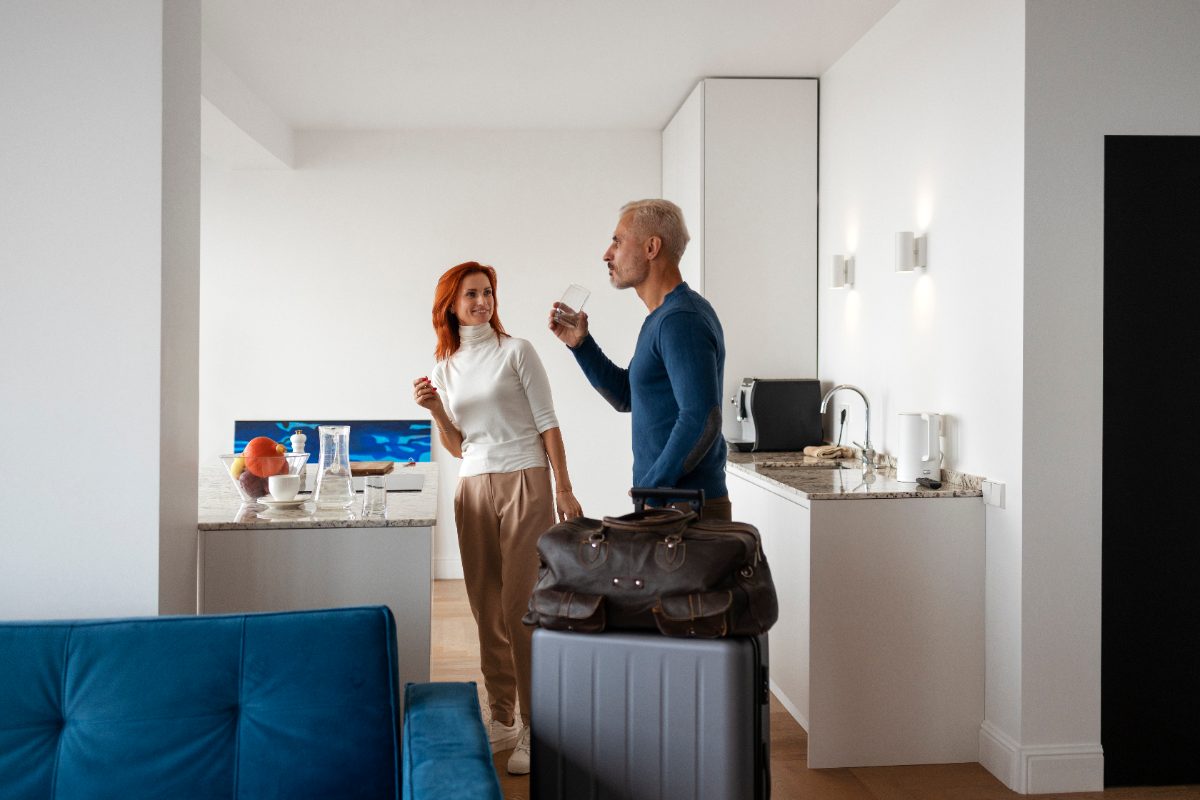
What should a Airbnb host post on social media?
The short answer: your space, your area, your guests' experiences and easy ways to book. Three posts a week, with Stories and short videos of the property, is enough.
Would you rather hand it over? See our social media management for hotels and holiday lets, from £99+VAT a month.
Your weekly posting plan at a glance
You do not need to post every day. Three posts a week, each with a different job, is plenty for a busy Airbnb host.
A room, a view or a detail guests love.
A local walk, café or hidden gem.
Free dates and last-minute availability.
Turnover day, new touches or a refresh.
School holidays, festivals, Christmas and events nearby. Our 2027 social media calendar helps you plan ahead.
A guest's five star words.
Post ideas that show off your space
Great photos and video sell stays.
Room tours
A short walkthrough video of the whole place.
Signature features
The hot tub, the log burner or the view.
Morning light
The best time of day in your space.
Thoughtful touches
Welcome hampers, local guides and fresh flowers.
Seasonal styling
Cosy in winter, garden dining in summer.
New upgrades
A new bed, a refreshed kitchen or faster wifi.
Post ideas that sell the location
People book the area as much as the property.
Local guide
Your favourite places to eat, drink and walk.
Things to do
Attractions, beaches and days out nearby.
Events calendar
Festivals, races and concerts guests can book around.
Getting here
Parking, stations and travel times.
Local partners
Cafés and shops with offers for your guests.
Hidden gems
The places only locals know.
Weather and seasons
What the area's like at different times of year.
Post ideas that win direct bookings
Turn followers into repeat guests without the fees.
Availability posts
Free weekends and last-minute gaps.
Book direct offers
A small thank you for booking through you.
Returning guest perks
Reward people who come back.
Gift vouchers
A stay as a present.
Midweek breaks
Fill quieter nights with a midweek deal.
Long stays
Remote workers and contractors.
Post ideas that build trust and get people talking
Reviews and real guests build confidence. These keep you in the feed, so you are the first name people think of. Here is more on how to generate more engagement.
Guest reviews
Turn a five star review into a graphic. Here is how to encourage customers to leave a review.
Superhost status
Celebrate it if you have it.
Meet your host
Who you are and why you love hosting.
Guest photos
With permission, reshare their holiday snaps.
Polls
Beach day or countryside walk?
House rules, nicely
Check-in, pets and parking, explained in a friendly way.
Airbnb host captions you can use
Swap in your own details and they are ready to go.
Come on in 🏡
Two bedrooms, a log burner and a garden that catches the evening sun.
Free dates in November through the link in our bio.
Our three favourite breakfast spots within walking distance ☕
Ask us for the full list when you check in.
Book your stay direct and get a free welcome hamper.
This weekend's suddenly free 👀
Friday to Sunday, sleeps four, dogs welcome.
Message us to grab it.
Hashtags for Airbnb hosts
Use two or three of these, then add hashtags for your town and the services you want more of.
- #Airbnb
- #HolidayLet
- #Staycation
- #UKStaycation
- #BookDirect
- #WeekendAway
- #HolidayHome
- #CottageStay
- #ShortStay
- #AirbnbHost
Airbnb host social media dos and don'ts
Do
- Check your Airbnb terms before promoting direct bookings
- Show the property exactly as guests will find it
- Reply to comments and messages quickly, as questions turn into bookings. Our community management service can help
- Post to your Google Business Profile as well as your social channels
- Ask every happy guest for a review
Don't
- Share guests' photos or names without permission
- Post your exact address or key safe details publicly
- Overedit photos so the place looks different in real life
- Post only when things are quiet. Consistent feeds win more bookings
- Rely on stock photos. Real photos of your own team and work are more convincing
Airbnb host social media FAQs
What should a Airbnb host post on social media?
A mix of room tours, local guides, availability posts and guest reviews. Aim for posts that show off your space, sell the location, win direct bookings and build trust.
How often should a Airbnb host post on social media?
Three times a week is plenty. Consistency matters more than volume, so a steady three posts a week beats ten in one week followed by silence.
Which social media platforms are best for Airbnb hosts?
Instagram matters most for showing off your space. Facebook reaches past guests and local holiday groups, TikTok is great for property tours, and Pinterest can drive travel planners to your website.
Can social media help Airbnb hosts get direct bookings?
Yes. Past guests who follow you can book direct next time, which saves you platform fees. Make it easy with a booking link in your bio and a clear reason to book direct.
Should I post my address on social media?
No. Share the area and nearby landmarks, but keep the exact address, key safe codes and door details for confirmed guests only.