
A photographer's social media is a shop window that never closes. Clients decide whether they like your style in seconds, then look for signs that you are easy to work with and worth the price. The photographers who stay booked share more than finished images: they show the process, the people and the experience.
Here are 25 social media post ideas for photographers and photography studios, grouped by what they do for your business, plus a simple weekly plan, ready-made captions, hashtags and the mistakes to avoid.
You might also like our guide to wedding post ideas.
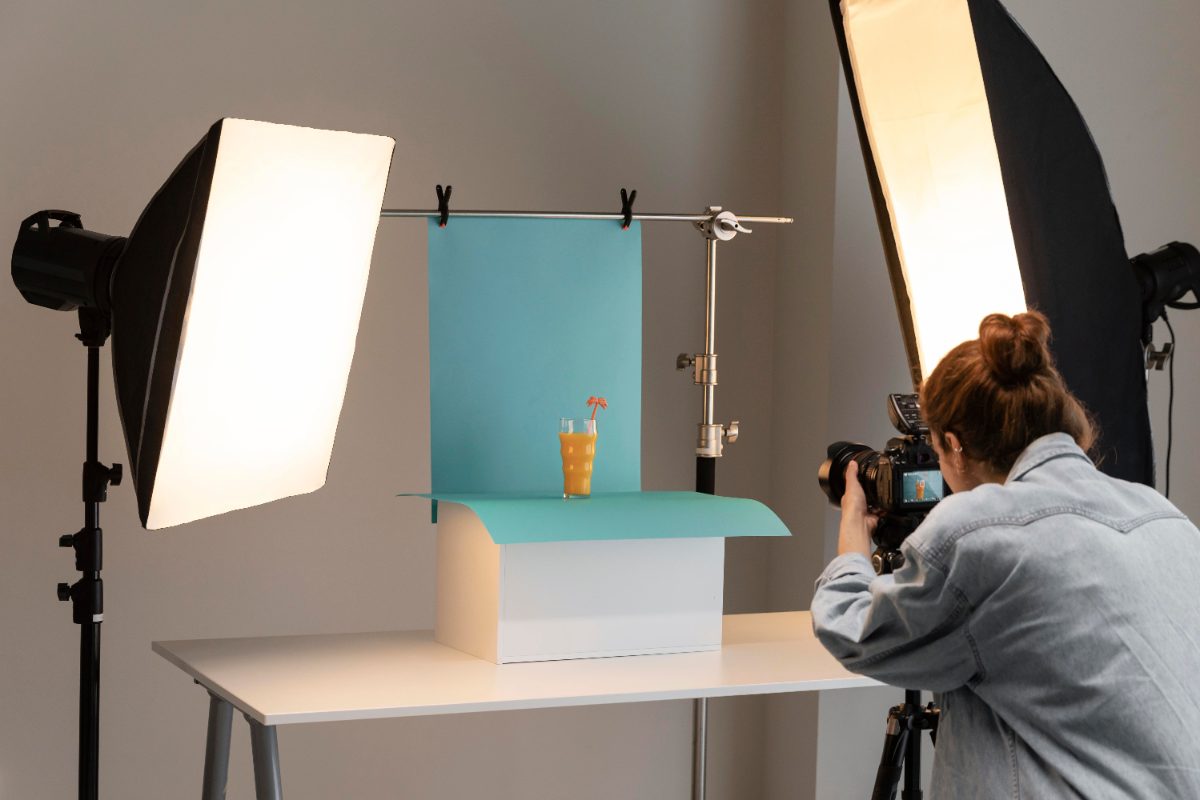
What should a photographer post on social media?
The short answer: your best recent work, a look behind the camera, proof from clients who loved the experience and clear prompts to book. Three posts a week covering that mix is enough.
Would you rather hand it over? See our social media management for small businesses, from £99+VAT a month.
Your weekly posting plan at a glance
You do not need to post every day. Three posts a week, each with a different job, is plenty for a busy photographer.
One strong image or a small set from a recent shoot.
The setup, the edit or the kit bag.
A client review or their reaction to seeing the gallery.
Availability, mini sessions or next year's wedding dates.
Autumn family shoots, Christmas minis, wedding season and headshot refreshes.
Prints, albums, vouchers or workshops.
Post ideas that show your work
Curate hard. Five great images beat fifty good ones.
Favourite frame
One image from a recent shoot and the story behind it.
Mini galleries
A carousel of eight to ten images that tells the story of a wedding or session.
Before and after edits
The raw file next to the finished image shows the skill people are paying for.
Reels and slideshows
A set of images cut to music reaches far more people than a single photo.
Different services
Weddings, families, newborns, headshots or commercial. Show the range you want to be booked for.
Printed products
Albums, frames and wall art in real homes.
Post ideas that go behind the camera
People book photographers they feel comfortable with. Let them see you.
Behind the scenes
You at work, taken by a second shooter or an assistant.
About you
Why you picked up a camera and what you love photographing.
What is in my bag
Kit posts are popular with clients and fellow photographers alike.
Editing process
A screen recording of an edit, speeded up.
Location scouting
Favourite local spots and why they work at certain times of day.
What to expect
How a shoot runs, from booking to gallery delivery.
What to wear guides
Clients ask every time. Answer it once and reshare it.
Post ideas that bring in bookings
Beautiful work does not book itself. Tell people how and when to hire you.
Availability posts
"Three wedding dates left for next summer." Specific and urgent.
Mini sessions
Limited slots on a set date, with the price and a booking link.
Seasonal shoots
Bluebells, autumn leaves and Christmas minis. Our 2027 social media calendar helps you plan ahead.
Gift vouchers
Ideal for Christmas, Mother's Day and new parents.
Packages explained
What is included at each price. Clarity wins bookings.
Business photography
Headshots and brand shoots for local firms.
Post ideas that build trust and get people talking
Reviews and conversation turn admirers into clients. Here is more on how to generate more engagement.
Client reviews
Turn a five star review into a graphic. Here is how to encourage customers to leave a review.
Supplier shout-outs
Tag the venue, florist and dress shop on wedding posts. They will share your work.
Published and awarded
Features, competition wins and accreditations.
Photo tips
How to take better phone photos of your children or your products.
This or that
Golden hour or blue hour? Colour or black and white?
Client reactions
A screenshot of the message a client sent after seeing their gallery, with permission.
Photographer captions you can use
Swap in your own details and they are ready to go.
Three wedding dates left for next summer 📷
If you are getting married in June, July or August, now is the time to get in touch.
Message me to check your date.
My favourite frame from Saturday.
Ten seconds after the confetti, when nobody was posing.
Full gallery coming soon.
Autumn mini sessions are open.
Twenty minutes, ten edited images, one very pretty woodland.
Only eight slots. Book at the link in my bio.
Hashtags for photographers
Use two or three of these, then add hashtags for your town and the services you want more of.
- #Photographer
- #Photography
- #WeddingPhotographer
- #FamilyPhotographer
- #PortraitPhotography
- #Headshots
- #NewbornPhotography
- #BrandPhotography
- #MiniSessions
- #PhotoOfTheDay
Photographer social media dos and don'ts
Do
- Post your best work only, and keep the style consistent
- Tag venues and suppliers on every wedding post
- Reply to comments and messages quickly, as questions turn into bookings. Our community management service can help
- Post to your Google Business Profile as well as your social channels
- Ask every happy client for a review
Don't
- Share client images without permission in your contract or in writing
- Post children's photos without the parents' agreement
- Show only finished images. Let people see you and the process
- Post only when things are quiet. Consistent feeds win more bookings
- Rely on stock photos. Real photos of your own team and work are more convincing
Photographer social media FAQs
What should a photographer post on social media?
A mix of recent work, behind the scenes content, client reviews and clear booking prompts. Aim for posts that show your work, go behind the camera, bring in bookings and build trust.
How often should a photographer post on social media?
Three times a week is plenty. Consistency matters more than volume, so a steady three posts a week beats ten in one week followed by silence.
Which social media platforms are best for photographers?
Do photographers need permission to post client photos?
Yes. Include a clause in your contract, and ask again for sensitive shoots such as newborns or boudoir. Always respect a client who says no.
How often should a photographer post on Instagram?
Three times a week is enough if the work is strong. Consistency and a recognisable style matter more than volume.